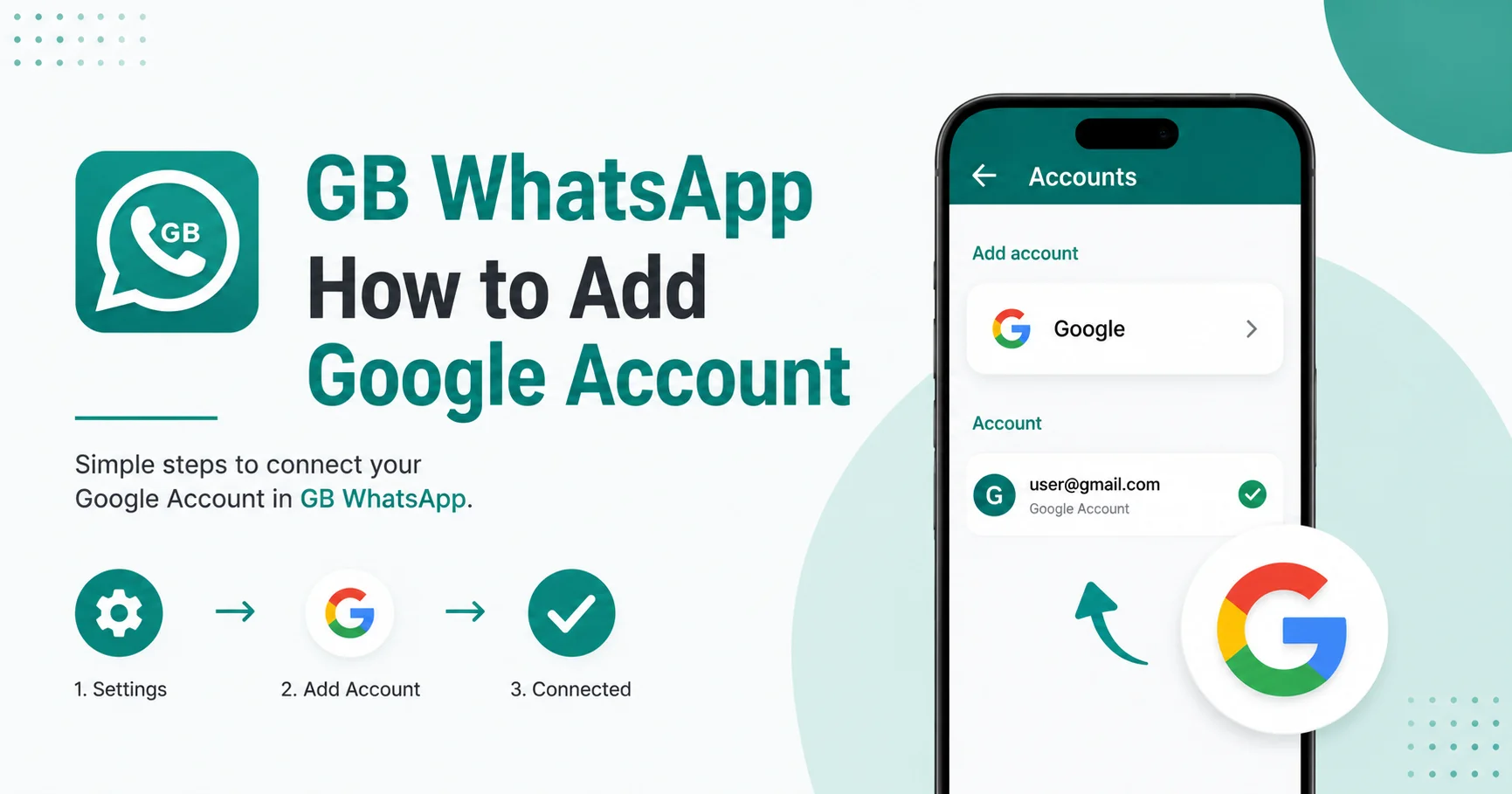
GB WhatsApp keeps winning hearts because it gives users more control than the standard messaging app. From advanced privacy tweaks to theme customization, the extras keep growing every year. One question that comes up a lot, especially in 2026, is how to add a Google account in GB WhatsApp. Some users want it for backups, others want it for syncing contacts, and a few are just curious about what is possible.
Let us walk you through the full picture, the safe way to do it, and the real things you should know before linking any account to a third party mod.
Why Would You Add a Google Account to GB WhatsApp
Adding a Google account to GB WhatsApp is not the same as the official app. The original WhatsApp uses your Google account for chat backups to Google Drive. GB WhatsApp does things a little differently, and that is where users get confused.
Common Reasons People Want to Link a Google Account
- To back up chats to Google Drive safely
- To sync contacts across multiple devices
- To use Google account login for verification steps
- To access Google services inside the app
- To manage dual accounts with a connected identity
It is important to understand that not all these features are available in every version of GB WhatsApp. Some are added by mod developers, some are leftovers from the original code, and some are simply not supported.
Is Adding a Google Account in GB WhatsApp Safe
Let us be real. Linking any Google account to a third party modified app comes with risks. You are giving account access to software that is not verified by Google Play Protect, has no security audit, and is maintained by unknown developers.
Safety Snapshot
| Risk Factor | Level of Concern |
|---|---|
| Data privacy | High |
| Account compromise | Moderate to high |
| App bans by WhatsApp | High |
| Google account suspension | Low but possible |
| Malware in modded APK | High if source is untrusted |
That said, if you absolutely need to do it for backup or syncing reasons, there are safer ways to handle the process. We will cover those steps in the next section.
How to Add a Google Account in GB WhatsApp the Right Way
Since GB WhatsApp is a third party app, there is no single official way to add a Google account. The method depends on the version you are using and what feature you actually need. Here are the most common approaches.
Method 1: Using Google Drive Backup
This is the most popular reason people want to connect a Google account. GB WhatsApp supports Google Drive backup just like the original app.
This method works in most modern versions of GB WhatsApp. Just make sure you are signed in to a Google account that has enough free cloud storage.
Method 2: Syncing Contacts Using Google Account
Some users want to sync their phone contacts through their Google account. While GB WhatsApp does not have a direct sync option, you can do it through your phone settings.
This method is safer because you never give GB WhatsApp direct access to your Google account login.
Method 3: Verifying Your Number With Google Account
In some modified versions, users get an option to verify their phone number using a Google account instead of SMS. This is not common and not always reliable. Stick with the standard SMS verification to avoid getting locked out.
Best Practices for Staying Safe
If you are going to add a Google account to GB WhatsApp, follow these tips to keep your information secure.
Use a Secondary Google Account
Do not link your primary Google account that has Gmail, Drive files, Photos, and payment information. Create a separate account just for GB WhatsApp backups.
Turn On Two Factor Authentication
Add an extra security layer to your Google account. If your login details ever leak, two factor authentication will block unauthorized access.
Review App Permissions Regularly
Go to your Google account security settings and check which apps have access. Remove GB WhatsApp access if you stop using the app.
Avoid Saving Passwords in GB WhatsApp
Never let the app remember your Google password. Always type it in manually or use Google Authenticator for one time codes.
Backup Locally Too
Do not rely only on Google Drive. Save a local backup on your phone storage or SD card as a safety net.
What to Do If Something Goes Wrong
Sometimes things break. Your account might not link, the backup might fail, or you may get logged out unexpectedly. Here is what to do in those situations.
| Problem | Quick Fix |
|---|---|
| Google sign in failing | Clear GB WhatsApp cache and retry |
| Backup not starting | Check Google account storage space |
| Account logged out automatically | Re enter credentials and re verify |
| App not detecting Google account | Update to the latest GB WhatsApp version |
| Backup stuck on uploading | Switch from mobile data to Wi Fi |
If none of these work, your safest move is to back up your chats locally, uninstall GB WhatsApp, and reinstall the latest version. That often clears up the issue.
Final Thoughts
Adding a Google account in GB WhatsApp is possible and useful, but it is not without risk. The smartest way to do it is by using a secondary account, keeping your security settings tight, and avoiding unnecessary permissions. If you are not comfortable with the risk, stick to the official WhatsApp. If you still want the extra features GB WhatsApp offers, just be smart about how you connect your accounts.
Frequently Asked Questions
Can I add a Google account to GB WhatsApp for backup? Yes, GB WhatsApp supports Google Drive backup. You can link your Google account from the Chat Backup settings inside the app.
Is it safe to add my main Google account? It is safer to use a secondary Google account. Your main account has access to Gmail, Drive, and other sensitive data that you do not want exposed.
Why does GB WhatsApp ask for Google account access? It needs access for backups, contact syncing, and verification. Some versions also use it for in app features.
Can Google ban my account for using GB WhatsApp? Google does not ban accounts for using mod apps. However, it can revoke app access if suspicious activity is detected.
What happens to my Google Drive backup if I uninstall GB WhatsApp? Your backup stays on Google Drive. You can restore it on a fresh install of GB WhatsApp or move it to the official WhatsApp.