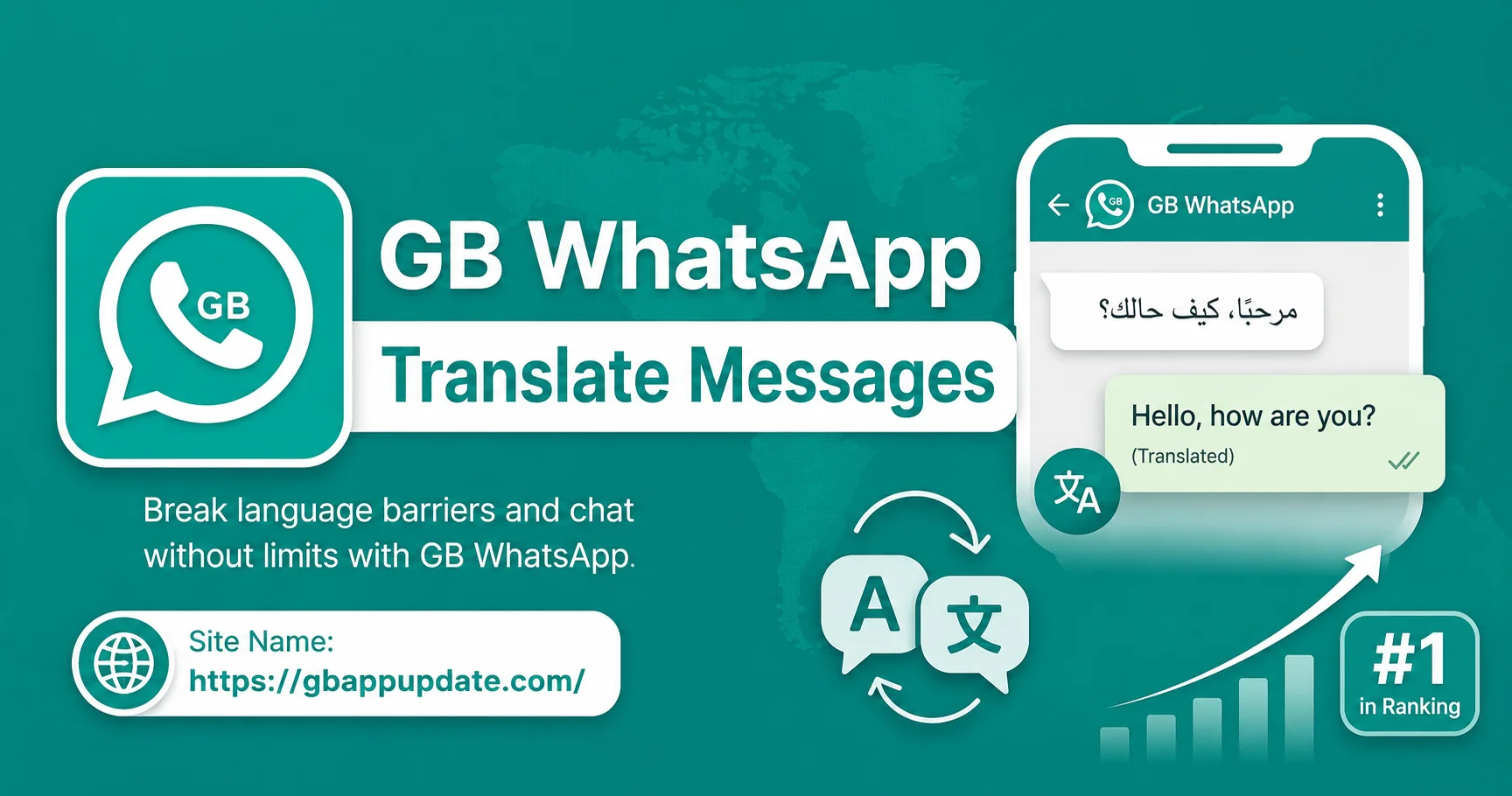
We live in a connected world. Your friend lives in Tokyo, your customer is in Berlin, your cousin just moved to Brazil, and somehow you are all chatting on the same app. Language should never be a barrier, and that is exactly why the message translator in GB WhatsApp has become one of the most loved features in 2026. It lets you read and reply in any language without ever leaving the app.
Let us walk you through how the message translator works, how to set it up, and some smart ways to use it for personal and business chats.
What Is the Message Translator in GB WhatsApp
The message translator is a built in tool in GB WhatsApp that translates any incoming message into a language you understand. It also lets you type in your own language and translate it before sending. The feature works in real time and supports dozens of languages from around the world.
It is powered by translation engines that work similarly to popular translation apps, but everything happens inside GB WhatsApp. You do not need to copy text, switch apps, or use external tools.
Languages Supported in 2026
GB WhatsApp has expanded its language support significantly. Here are some of the most popular languages available.
| Language | Translation Available |
|---|---|
| English | Yes |
| Spanish | Yes |
| French | Yes |
| German | Yes |
| Arabic | Yes |
| Hindi | Yes |
| Urdu | Yes |
| Portuguese | Yes |
| Chinese (Simplified) | Yes |
| Chinese (Traditional) | Yes |
| Japanese | Yes |
| Korean | Yes |
| Turkish | Yes |
| Russian | Yes |
| Italian | Yes |
| Dutch | Yes |
| Bengali | Yes |
| Indonesian | Yes |
| Thai | Yes |
| Vietnamese | Yes |
The list keeps growing with every update, and the translation accuracy has improved in 2026 thanks to better AI integration.
How to Enable the Message Translator
Setting up the translator is simple. Here is how to do it.
Step 1: Update GB WhatsApp
Make sure you are running the latest version. The translator feature is only available in recent builds of the app.
Step 2: Open GB Settings
Tap the three dot menu and go to GB Settings or Privacy and Security.
Step 3: Find the Translator Option
Look for Message Translator or Translation Settings in the menu. In some versions, it is under Universal or Chat Settings.
Step 4: Choose Your Default Language
Select the language you want incoming messages to be translated into. You can also set a default language for outgoing translations.
Step 5: Enable Auto Translate
Toggle the auto translate option so that every incoming message is automatically translated into your preferred language. You can also turn it off and translate manually.
Step 6: Pick the Translation Engine
GB WhatsApp lets you choose between Google Translate and other supported engines. Pick the one that gives you the best results for your language pair.
Why the Message Translator Is a Game Changer
Let us talk about the real impact of this feature in everyday life.
For Personal Use
| Use Case | Benefit |
|---|---|
| Chatting with foreign friends | No more guessing what they said |
| Learning a new language | See translations in real time |
| Travel conversations | Talk to locals without stress |
| Family groups across countries | Everyone stays connected |
| Long distance relationships | Communication stays smooth |
For Business Use
| Use Case | Benefit |
|---|---|
| International clients | Reply in their language instantly |
| Customer support | Handle global queries with ease |
| Order management | Understand requests from any region |
| Marketing campaigns | Translate offers for different markets |
| Team communication | Connect with global teams effortlessly |
Smart Tips for Better Translations
Translation tools are smart, but they are not perfect. Here are some tips to get the best results.
Keep Sentences Short
Long sentences confuse translation engines. Break your message into shorter lines for better accuracy.
Avoid Slang and Idioms
Slang and cultural idioms rarely translate well. Stick to clear, simple language when chatting with someone in another language.
Use Proper Grammar
The better your grammar, the better the translation. Double check your text before hitting translate.
Review Before Sending
Always read the translated text once before sending. Translation engines can miss context, especially for formal or emotional messages.
Update Regularly
Translation engines get better with time. Keep GB WhatsApp updated so you always have the most accurate translations.
Common Problems and Fixes
Sometimes the translator does not work perfectly. Here is how to fix the most common issues.
| Problem | Quick Fix |
|---|---|
| Translator option not showing | Update to the latest GB WhatsApp version |
| Translation is inaccurate | Try a different translation engine |
| Auto translate not working | Check your internet connection |
| App crashes while translating | Clear cache and restart the app |
| Language not in the list | Check for app updates or mod updates |
| Translations are slow | Switch to a faster engine in settings |
Message Translator vs Google Translate
Some users wonder why they should use the in app translator instead of Google Translate. The answer is convenience. With GB WhatsApp, you do not need to switch apps, copy text, or open a browser. Everything happens inside the chat. It saves time and keeps your workflow smooth, especially when you are having long conversations in multiple languages.
Privacy and Translation
One honest concern is privacy. When you use a translation engine, your message is processed by a third party service. That means the content of your chat is sent to a translation server. If you are discussing something highly confidential, consider translating it manually or using a secure offline translation tool.
Final Thoughts
The message translator in GB WhatsApp is one of the most powerful features added in recent years. It breaks language barriers, connects people across the world, and makes international communication feel effortless. Whether you are chatting with friends, handling customers, or learning a new language, this feature is a real time saver. Just keep the app updated, review translations before sending, and use it wisely.
Frequently Asked Questions
Is the message translator free in GB WhatsApp? Yes, the feature is completely free. You do not need to pay for any premium version or add on.
How many languages does the translator support? GB WhatsApp supports dozens of languages, and the list keeps growing with every update.
Does the translator work without internet? No, the feature requires an active internet connection because it uses online translation engines.
Can I choose the language for each chat? Yes, you can set different default languages for different chats if you chat in multiple languages.
Is the translation accurate for formal messages? The translation is good for everyday conversations. For formal or legal messages, it is best to have a human review the translation.