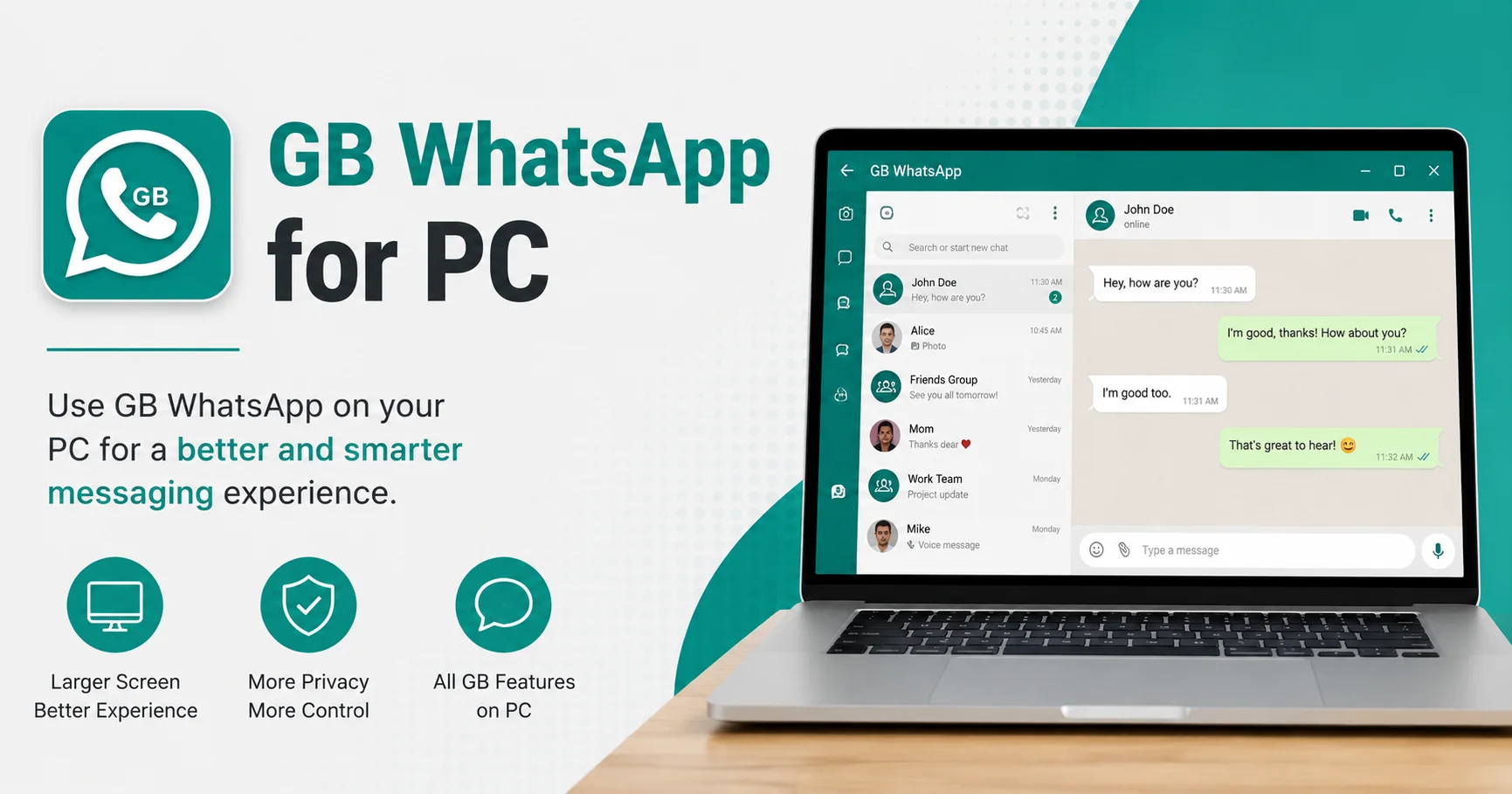
Most people use GB WhatsApp on their phones, but what about the PC? In 2026, more and more users are looking for ways to run their favorite messaging mods on bigger screens. Whether it is for work, convenience, or just personal comfort, using GB WhatsApp on PC has become a real thing. Let us walk you through everything you need to know about downloading and installing GB WhatsApp for PC in 2026, along with the features, security risks, and smart tips for a smooth experience.
Why Use GB WhatsApp on PC
Before we get into the how, let us talk about the why. There are real reasons people want GB WhatsApp on their computers.
Benefits of Using GB WhatsApp on PC
| Benefit | Why It Matters |
|---|---|
| Bigger screen | Easier to read long messages and media |
| Physical keyboard | Faster typing for work and personal chats |
| Multitasking | Chat while working on other tasks |
| File sharing | Easy to drag and drop files from your computer |
| Better media viewing | Watch videos and view photos in full size |
| Less phone battery drain | Save your phone for calls and mobility |
| Familiar layout | Same features and interface as the mobile app |
For people who spend most of their day on a laptop or desktop, having GB WhatsApp on PC just makes sense.
Is GB WhatsApp Available for PC Officially
Here is the honest truth. GB WhatsApp does not have an official PC version. There is no standalone GB WhatsApp desktop app that you can download from a trusted source. The app is designed primarily for Android, and running it on PC requires some extra steps.
That said, there are two popular ways to use GB WhatsApp on PC in 2026.
Method 1: Using an Android Emulator
This is the most common way. You run an Android emulator on your PC, install GB WhatsApp inside the emulator, and use it just like you would on a phone.
Method 2: Using WhatsApp Web with GB WhatsApp
If you are already using GB WhatsApp on your phone, you can link it to WhatsApp Web and use the basic features on your PC. However, this gives you the regular WhatsApp Web interface, not the full GB WhatsApp experience.
For full features, the emulator method is the way to go.
System Requirements for GB WhatsApp on PC
Running GB WhatsApp on PC requires decent hardware because the emulator adds an extra layer of software. Here is what you need.
| Requirement | Minimum | Recommended |
|---|---|---|
| Operating system | Windows 10 or macOS 11 | Windows 11 or macOS 13 |
| RAM | 4GB | 8GB or more |
| Storage | 5GB free space | 10GB free space |
| Processor | Intel i3 or equivalent | Intel i5 or higher |
| Internet | Stable broadband | Stable broadband |
| Virtualization | Enabled in BIOS | Enabled in BIOS |
If your PC meets the recommended specs, you will have a smooth experience. If it only meets the minimum, expect some lag during heavy use.
How to Install GB WhatsApp on PC Step by Step
Let us walk through the emulator method in detail.
Step 1: Choose an Android Emulator
Popular emulators in 2026 include BlueStacks, LDPlayer, NoxPlayer, and MEmu. Pick one that fits your PC specs and is known for stability.
Step 2: Download and Install the Emulator
Go to the official website of the emulator and download the latest version. Run the installer and follow the on screen instructions. The setup usually takes a few minutes.
Step 3: Enable Virtualization
For the best performance, enable hardware virtualization in your computer’s BIOS settings. This makes the emulator run much smoother.
Step 4: Set Up Your Google Account
Open the emulator and sign in with your Google account. This is required to access the Play Store and sync your data.
Step 5: Download GB WhatsApp APK
Since GB WhatsApp is not on the Play Store, you will need to download the APK file from a trusted source. Make sure you verify the file size and developer name before installing.
Step 6: Install the APK in the Emulator
Drag and drop the APK file into the emulator window, or use the Install APK option in the emulator menu. The app will install in a few seconds.
Step 7: Open GB WhatsApp and Verify
Launch GB WhatsApp inside the emulator. Enter your phone number, verify through SMS or call, and set up your profile.
Step 8: Customize Your Settings
Explore GB Settings to enable privacy features, themes, message scheduling, and any other options you want.
Security Risks of Using GB WhatsApp on PC
Running a mod app on an emulator adds a few extra risk layers. Let us be honest about them.
| Security Risk | What It Means |
|---|---|
| Untrusted APK source | Fake APKs may contain malware |
| Emulator vulnerabilities | Outdated emulators can be exploited |
| No official support | No help desk if something goes wrong |
| Account ban risk | Higher chance of detection on emulators |
| Data interception | Possible if the emulator is compromised |
| Rooted environment | Some emulators simulate root access, exposing data |
The good news is that you can reduce these risks by following smart practices.
Tips for Staying Safe on PC
If you decide to use GB WhatsApp on PC, follow these tips to keep your data and device secure.
Use a Trusted Emulator
Stick to well known emulators with good reviews. Avoid random emulators that you have never heard of.
Download APK From Verified Sources
Only download the GB WhatsApp APK from a trusted developer or community. Check the file size, version number, and developer signature before installing.
Keep Everything Updated
Update your emulator, GB WhatsApp, and PC operating system regularly. Updates patch security holes that hackers can exploit.
Use Antivirus Software
Install a reliable antivirus program on your PC. Run regular scans to catch any malware or suspicious files.
Use a Secondary Number
Do not link your primary phone number to GB WhatsApp on PC. Use a secondary number to protect your main account from being banned.
Avoid Public Wi Fi
Do not use GB WhatsApp on public Wi Fi networks. Use a secure private connection to prevent data interception.
Back Up Your Chats
Back up your chats regularly to your local storage or Google Drive. If something goes wrong, you will not lose important conversations.
GB WhatsApp PC vs Official WhatsApp Desktop
| Feature | GB WhatsApp on PC | Official WhatsApp Desktop |
|---|---|---|
| Installation | Emulator required | Direct download |
| Source | Third party APK | Official Meta release |
| Custom themes | Yes | No |
| Privacy controls | Advanced | Basic |
| Message scheduling | Yes | No |
| Voice changer | Yes | No |
| Anti revoke | Yes | No |
| Multi device login | Limited | Yes |
| Security | Mod based | Officially supported |
| Updates | Depends on developer | Regular and automatic |
GB WhatsApp on PC gives you more features, but the official WhatsApp Desktop is safer, more stable, and easier to install.
Common Problems and Fixes
Running GB WhatsApp on an emulator is not always smooth. Here is how to fix the most common issues.
| Problem | Quick Fix |
|---|---|
| Emulator is laggy | Enable virtualization in BIOS settings |
| GB WhatsApp crashes on startup | Update emulator and reinstall the APK |
| Verification code not received | Use a different number or SMS service |
| Messages not syncing | Check internet connection and emulator settings |
| Account banned | Switch to a new number and enable anti ban |
| File sharing not working | Grant storage permissions in emulator settings |
Should You Use GB WhatsApp on PC in 2026
The answer depends on what you value more. If you want advanced features, customization, and full control, GB WhatsApp on PC is worth trying. If you value security, stability, and official support, the regular WhatsApp Desktop is the smarter choice. For most users, a hybrid setup works best. Use the official WhatsApp Desktop for important conversations and GB WhatsApp on PC for fun features and extra tools.
Final Thoughts
Downloading GB WhatsApp for PC in 2026 is doable, fun, and useful when done the right way. Just make sure you are using a trusted emulator, a verified APK, and a secure network. Keep everything updated, use a secondary number, and back up your chats regularly. With the right setup, GB WhatsApp on PC can be a great addition to your daily workflow.
Frequently Asked Questions
Can I install GB WhatsApp on PC without an emulator? There is no official GB WhatsApp desktop app. You need an Android emulator to run it on PC.
Is it safe to use GB WhatsApp on PC? It is safe if you use a trusted emulator, download the APK from a verified source, and follow basic security practices.
Will my account get banned on PC? There is a higher chance of detection on emulators. Use a secondary number to reduce the risk of being banned.
What is the best emulator for GB WhatsApp in 2026? BlueStacks, LDPlayer, and MEmu are the most popular and stable emulators in 2026.
Can I use GB WhatsApp on PC and mobile at the same time? It is not recommended. WhatsApp does not support multi device login for mod apps, and using the same number on two devices can cause verification issues.