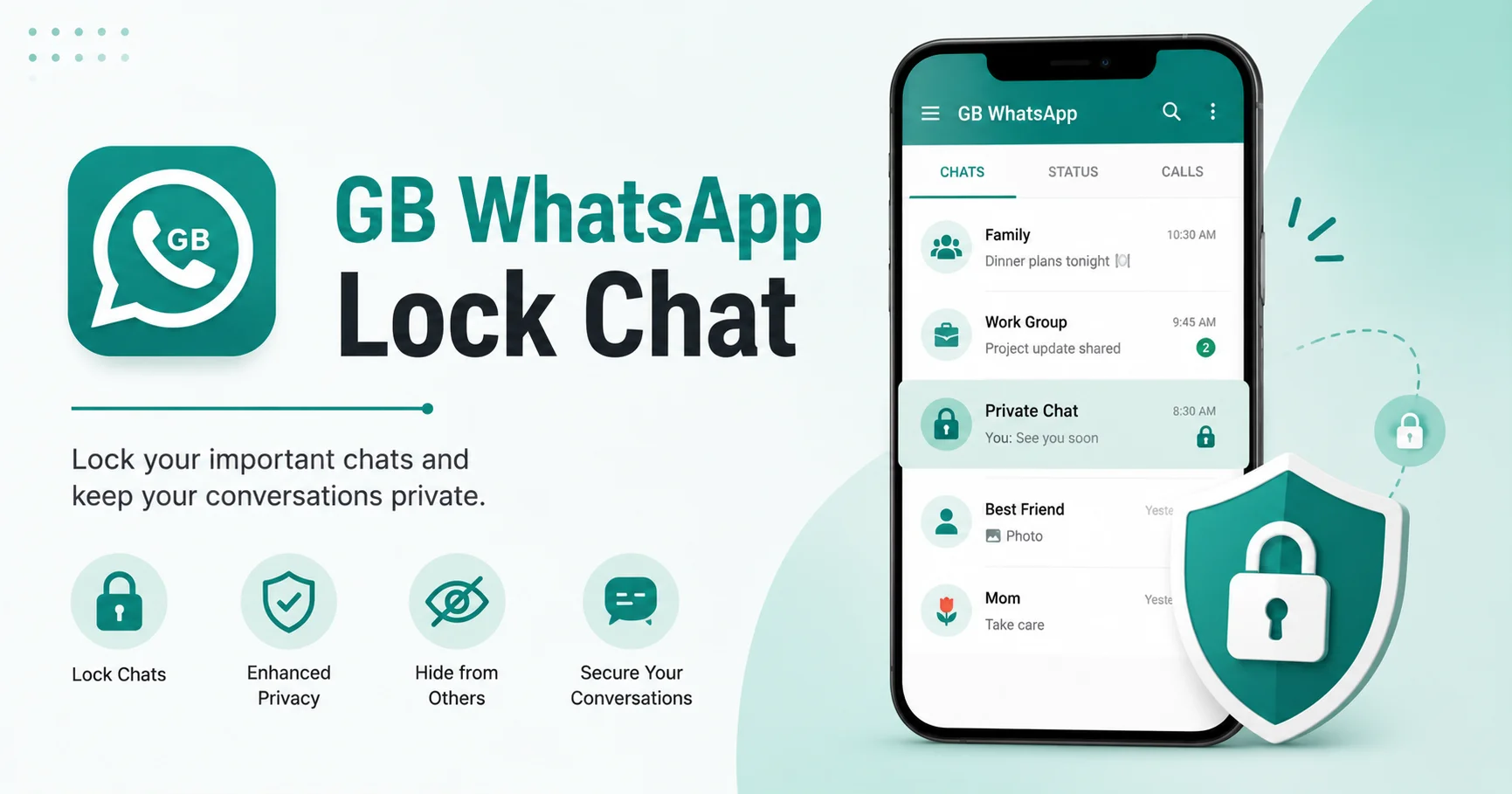
Your phone is your private space, but that does not mean everyone around you is someone you trust. We have all been there, lending our phone for a quick call, showing a picture, or letting a friend scroll, and the next thing you know they are peeking into your chats. That is exactly why GB WhatsApp Chat Lock has become such a popular feature in 2026. It gives you back control over who sees what on your messaging app.
Let us walk you through everything you need to know about this feature, how to set it up, and why it matters more than ever in the current digital climate.
Why Chat Lock Matters in 2026
In 2026, our phones hold more sensitive information than ever. Bank details, private conversations, work files, personal photos, and confidential chats all sit behind a single screen lock. But the screen lock is just one layer. What happens when someone unlocks your phone and opens WhatsApp? They see everything.
GB WhatsApp Chat Lock solves this problem by adding a second layer of protection to individual chats. Instead of relying on the phone’s main lock, you can lock specific conversations with a separate PIN, password, or fingerprint. That way, even if someone gets into your phone, your private chats stay private.
How GB WhatsApp Chat Lock Works
The chat lock feature in GB WhatsApp works differently from the official WhatsApp. In the original app, you can lock the entire app with biometric security. GB WhatsApp takes it further by letting you lock individual conversations.
Key Functionalities
| Feature | What It Does |
|---|---|
| Individual chat lock | Lock specific chats with PIN or fingerprint |
| Custom password | Set a unique password different from the phone lock |
| Hidden chat lock folder | Move locked chats to a hidden section |
| Auto lock timer | Lock chats after a set time of inactivity |
| Lock pattern option | Use pattern unlock instead of PIN |
| Fingerprint unlock | Unlock locked chats with your finger |
| Notification hiding | Hide message previews from locked chats |
| Multiple lock methods | Choose between PIN, pattern, or biometric |
This kind of flexibility is what makes GB WhatsApp Chat Lock such a powerful privacy tool for users who handle sensitive conversations daily.
How to Enable GB WhatsApp Chat Lock in 2026
Setting up the chat lock is straightforward. Follow these simple steps.
Step 1: Update GB WhatsApp
Make sure you are running the latest version of GB WhatsApp. Older versions may not have the latest chat lock features or security patches.
Step 2: Open GB Settings
Tap on the three dot menu in the top right corner of the app and select GB Settings or Privacy and Security.
Step 3: Go to Lock Section
Look for the option labeled Chat Lock or App Lock. Some versions place it under Privacy and Security.
Step 4: Enable Lock
Toggle the chat lock option to on. You will be asked to set a PIN, password, or pattern. Choose the one you prefer.
Step 5: Select Chats to Lock
Once the lock is active, go to your chat list. Long press on any conversation and choose the Lock option from the menu. That chat will now require authentication every time someone tries to open it.
Step 6: Customize Your Settings
You can adjust the auto lock timer, choose the unlock method, and decide whether notifications from locked chats should show previews or remain hidden.
Real Benefits of Using Chat Lock
People often think they do not need chat lock until something embarrassing or damaging happens. Here is why you should enable it now.
Protects Against Snooping
Friends, family members, partners, or even colleagues may pick up your phone. Chat lock keeps your conversations hidden from all of them.
Secures Work Chats
If you use the same phone for work and personal life, chat lock keeps work conversations separate and secure. Sensitive business information stays in the right hands.
Prevents Accidental Access
Handing your phone to a child to watch a video? No worries. They will not accidentally open a private chat and send a message you did not mean to send.
Adds a Layer Beyond Device Lock
Device level security is not always enough. Chat lock is a focused shield around your most private conversations.
Things to Keep in Mind
While GB WhatsApp Chat Lock is a great feature, there are some honest points to remember.
You Cannot Recover Locked Chats Easily
If you forget your password or PIN and have not set up fingerprint backup, recovering locked chats can be difficult. Write your password somewhere safe.
Locked Chats Still Receive Notifications
By default, locked chats still receive messages and may show notifications. You can hide previews in settings, but the chat list itself may still show a notification badge.
No Cloud Sync for Lock Settings
Lock settings are stored locally on your device. If you reinstall the app, you will need to set up chat lock again.
Mod App Trade Off
Remember that GB WhatsApp is a modified app. While the chat lock feature is useful, you are still using software that is not officially verified.
Final Thoughts
GB WhatsApp Chat Lock in 2026 is one of the most practical privacy features available in any messaging app. It gives you granular control over your private conversations, something the official WhatsApp is only starting to catch up with. Just remember to use a strong password, keep the app updated, and treat GB WhatsApp as a third party tool with both benefits and risks.
Frequently Asked Questions
Is GB WhatsApp Chat Lock different from the official WhatsApp lock? Yes. The official WhatsApp only locks the entire app. GB WhatsApp Chat Lock lets you lock individual conversations with PIN, pattern, or fingerprint.
Can someone bypass the GB WhatsApp Chat Lock? The lock is reasonably secure on a normal device. However, anyone with deep technical access to your phone may still find ways around it.
What happens to locked chats if I uninstall GB WhatsApp? If you do not back up your chats before uninstalling, locked chats may be lost. Always back up before making major changes.
Can I use both fingerprint and PIN at the same time? Yes, you can set up both. Fingerprint acts as a quick unlock while PIN serves as a backup method.
Does Chat Lock slow down the app? No, the feature is lightweight and does not affect app performance in any noticeable way.