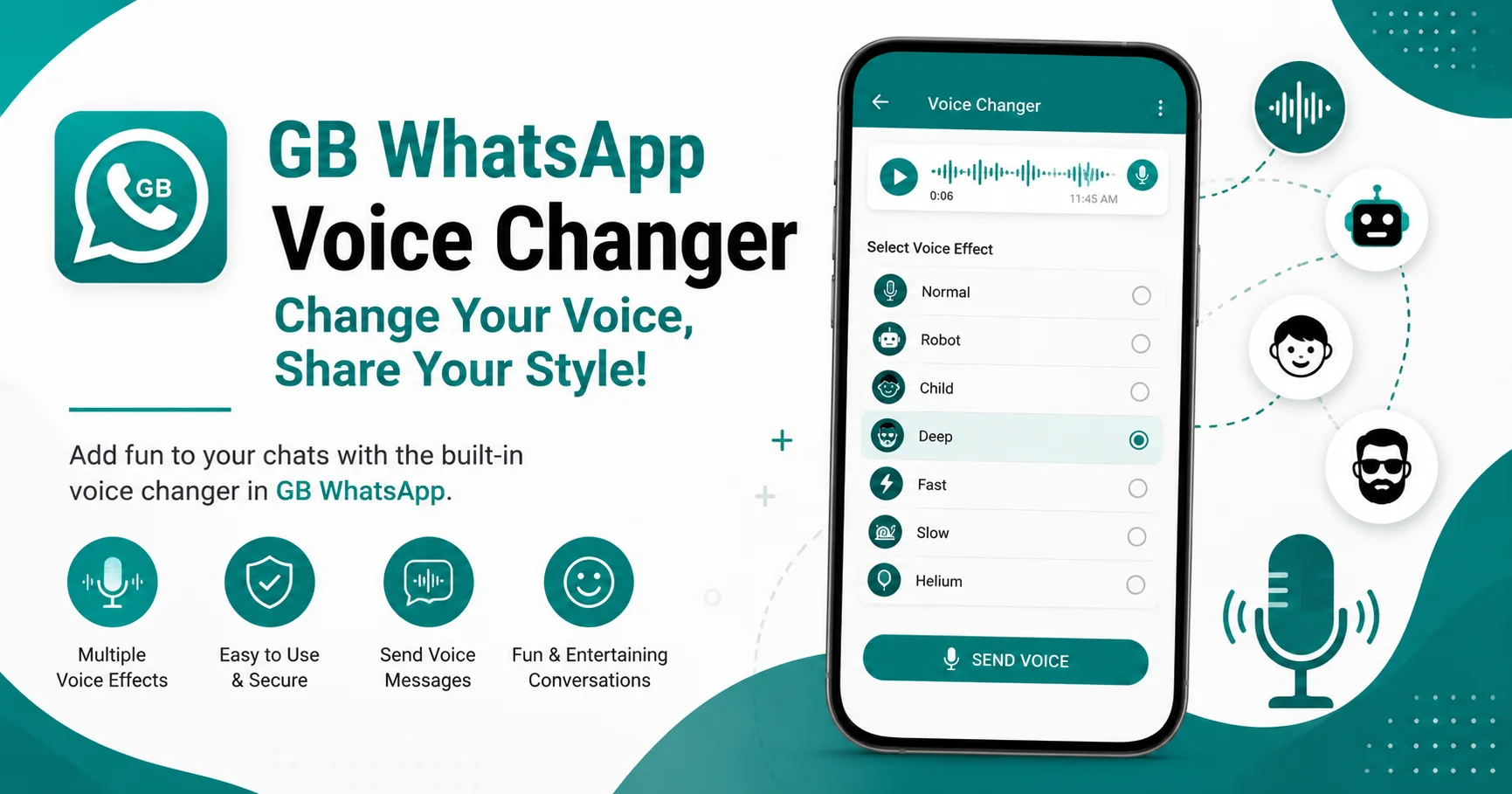
Sending voice notes is one of the easiest ways to communicate. It is faster than typing, more personal than text, and perfect for people who do not like long chats. But what if you could take a regular voice note and make it sound like a robot, a chipmunk, or even a deep voiced villain? That is exactly what the Voice Changer in GB WhatsApp does, and the 2026 update has made it even more fun.
Let us walk you through everything about the voice changer feature, how to use it, and some creative ways to surprise your friends and family.
What Is the Voice Changer Feature in GB WhatsApp
The voice changer in GB WhatsApp is a built in audio effect tool that lets you modify your voice while recording a voice note. Instead of sending your natural voice, you can apply fun effects that change the pitch, speed, and tone of the recording. It is built right into the app, so you do not need any external app or editing software.
The feature is perfect for pranking friends, sending funny birthday messages, creating engaging content, or just having a good laugh. In 2026, GB WhatsApp has added more voice effects, smoother recording, and better audio quality to make the experience feel polished.
What Voice Effects Are Available in 2026
The voice changer has been upgraded with new effects this year. Here is a look at what you can do.
| Voice Effect | What It Sounds Like |
|---|---|
| Normal | Your real voice |
| Robot | Mechanical and metallic tone |
| Chipmunk | High pitched and squeaky |
| Deep voice | Low and powerful |
| Echo | Echoey and dramatic |
| Helium | Funny high pitch effect |
| Slow motion | Stretched and slow |
| Fast forward | Quick and squeaky |
| Child voice | Soft and innocent |
| Old man | Gravelly and aged |
| Female to male | Masculine transformation |
| Male to female | Feminine transformation |
| Whisper | Soft and secretive |
| Megaphone | Loud and broadcast style |
The list keeps growing with every update, and developers are always adding new effects based on user feedback.
How to Use Voice Changer in GB WhatsApp
Using the voice changer is simple. Follow these steps.
Step 1: Update to the Latest Version
Make sure you have the latest version of GB WhatsApp installed. Voice changer features and effects vary by version.
Step 2: Open a Chat
Go to any individual or group chat where you want to send the voice note.
Step 3: Hold the Mic Button
Press and hold the microphone icon in the message input area to start recording. In some versions, you may need to swipe up to lock the recording mode.
Step 4: Apply a Voice Effect
While recording or right after, you will see a list of voice effects on the screen. Tap on any effect to apply it to your recording in real time.
Step 5: Preview the Effect
Some versions let you preview the effect before sending. Listen to the modified voice and decide if you want to keep it or try another effect.
Step 6: Send the Voice Note
Once you are happy with the effect, tap the send button. Your modified voice note will be delivered to the recipient instantly.
Fun Ways to Use the Voice Changer
The feature is fun, but it is also useful. Here are some creative ways to use the voice changer in 2026.
Surprise Your Friends
Send a robot voice note pretending to be an automated assistant. Or use the deep voice effect to sound like a movie villain. The laughs are guaranteed.
Birthday Greetings
Make someone feel special on their birthday by sending a voice note in a chipmunk or radio host voice. It is a fun twist on the usual happy birthday text.
Content Creation
If you create short videos, reels, or social media content, the voice changer can add personality to your clips. Record funny dialogue, prank audio, or character voice overs directly from GB WhatsApp.
Group Entertainment
Voice changer is a hit in group chats. Start a chain of funny voice notes and see who comes up with the most creative effect.
Language Learning
Some users practice pronunciation in different voices to make learning more engaging. It is a fun way to get comfortable with new languages.
Common Problems and Fixes
Sometimes the voice changer does not work the way it should. Here is how to fix the most common issues.
| Problem | Quick Fix |
|---|---|
| Voice effects not showing | Update GB WhatsApp to the latest version |
| Recording sounds distorted | Check microphone permission for the app |
| Effects are missing | Reinstall the app from a trusted source |
| Voice note is not saving | Free up phone storage and retry |
| Recipient cannot hear the note | Make sure the file format is supported |
| App crashes during recording | Clear cache from phone settings |
Safety Notes About Voice Changer
The voice changer is a fun feature, but it is important to use it responsibly. Do not use it to impersonate someone, spread misinformation, or bully others. Misusing the feature can cause real harm and may even get your account reported.
Smart Usage Tips
| Tip | Why It Matters |
|---|---|
| Use it for fun, not deception | Keeps your chats respectful |
| Inform friends about the effect | Avoids confusion |
| Avoid impersonating real people | Stays within ethical limits |
| Do not use in professional chats | Keeps work conversations serious |
| Keep audio files for personal use | Protects other people’s voices |
Final Thoughts
The voice changer in GB WhatsApp is one of the most entertaining features added in recent years. It is easy to use, packed with fun effects, and perfect for adding a creative touch to your voice notes. As long as you use it responsibly, it is a great way to make your chats more lively and enjoyable. Just remember to update the app regularly so you always have the latest effects and the smoothest performance.
Frequently Asked Questions
Is the voice changer free in GB WhatsApp? Yes, the voice changer is completely free to use. You do not need to pay anything or install extra plugins.
Can I use the voice changer in group chats? Yes, the feature works in both individual and group conversations.
Does the voice changer work in real time? Yes, most effects are applied in real time as you record, so you hear the change instantly.
Will the recipient need GB WhatsApp to hear the effect? No, the audio file is sent as a regular voice note. The effect is baked into the file, so anyone can hear it.
Can I add new voice effects manually? In the current version, you cannot add custom effects. You are limited to the effects provided in the app.